All news
However you present, it’s covered
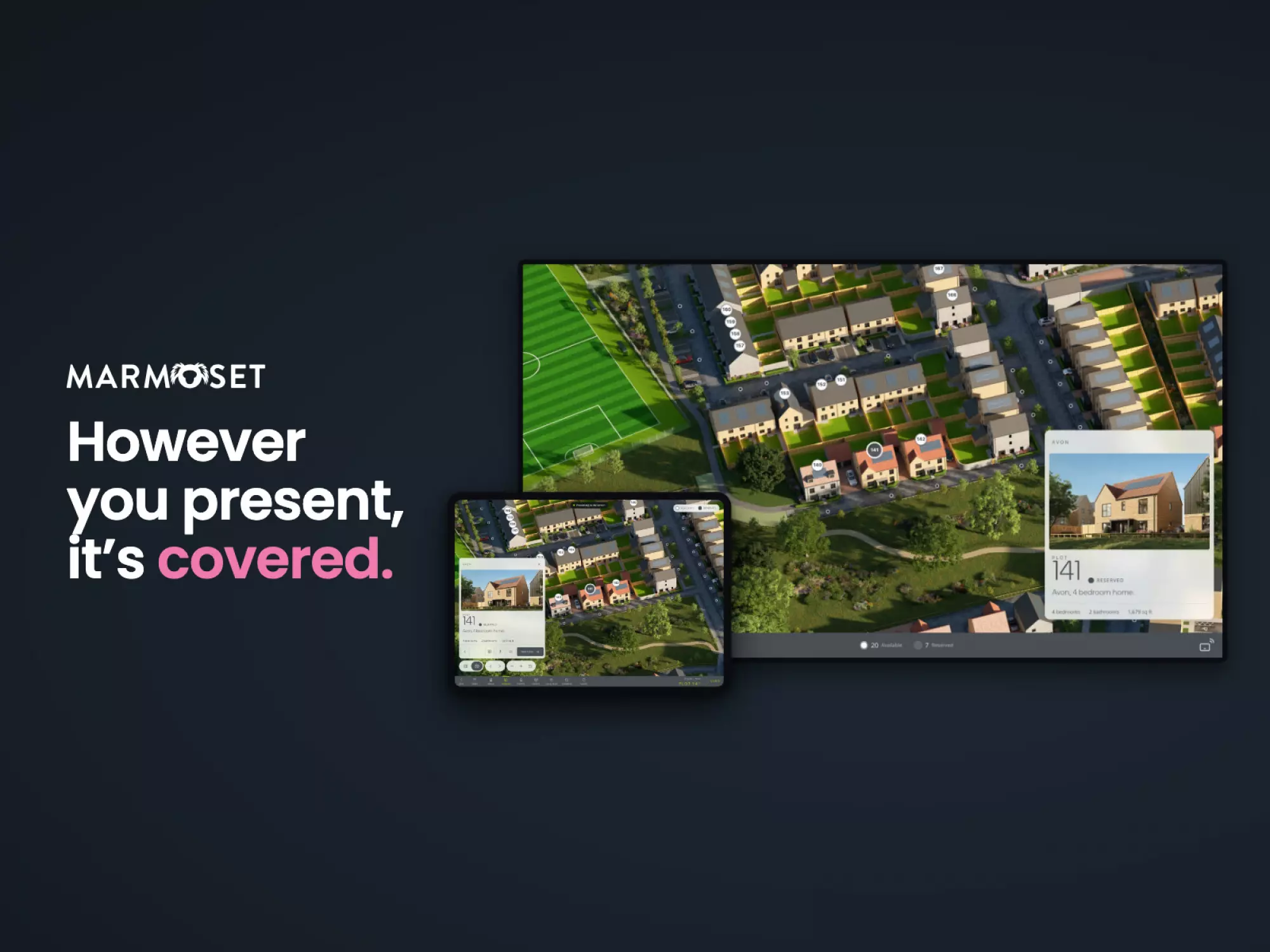
Most sales suite screens aren’t built around the person presenting.
At Marmoset we’ve spent a lot of our time focusing on that person, and lots of small differences add up to a totally different sales experience.
Sales consultants don’t all work the same way, and suites aren’t all set up the same way. So we’ve tried to make sure the same site works however you want to present it. Here are all five ways in about a minute and a half, filmed in Curo Homes’ app at Keynsham.


At the screen
Stand on the left or the right and the controls move over to your side, within arm’s reach, so you’re not reaching across the screen to use them.
From an iPad
Pair the iPad once with the code on the screen, turn on Present, and the screen follows. It isn’t mirrored, so the buyer gets a clean picture and the controls stay in your hand.
From the buyer’s own phone
Hand over to a visitor and the screen shows a code. They scan it with their own phone, with nothing to install, and steer the screen themselves.
With no internet
Handy on a new site at launch, before the connection is in. Every home, plan and picture is kept on the suite’s screen, so it all still works.
With a remote
For a suite with a TV on the wall and no touchscreen. The arrows step through the house types and homes, and OK opens one. It’s the newest of the five, so ask us if you’d like to try it.It’s the same site and the same content behind all five, whichever way you present on the day.
If you’d like to see it on one of your own developments, get in touch.